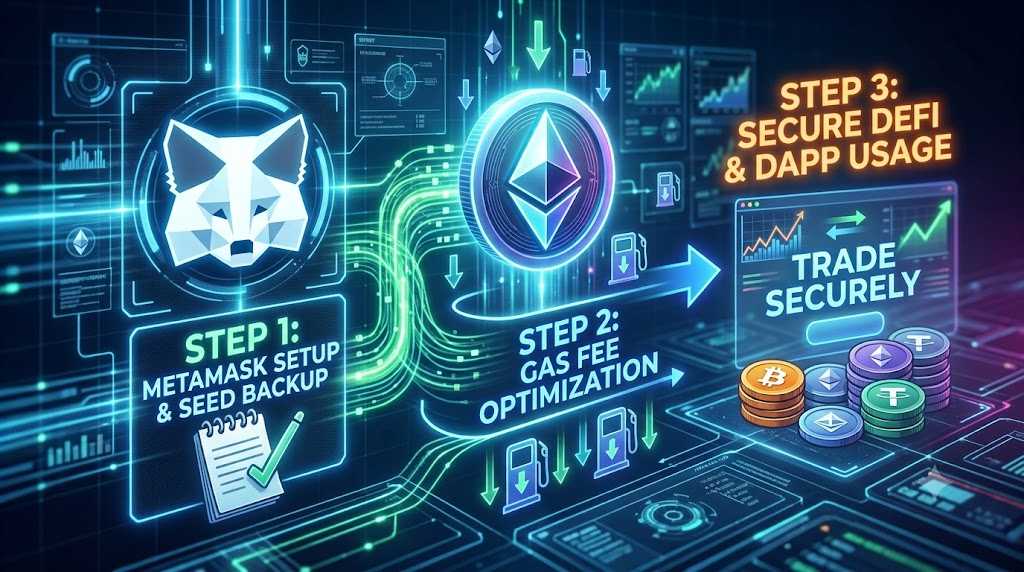
Quick Summary: MetaMask is the leading self-custody wallet needed to access DeFi, NFTs, and Web3 dApps. Following a proper MetaMask setup guide gas fees optimization routine helps you protect your crypto assets while drastically lowering transaction costs across EVM chains.
If you’re looking to use decentralized finance (DeFi), trade NFTs, or interact with on-chain dApps, the first essential tool you’ll need is a self-custody wallet — MetaMask. Track live token prices and network fees across various blockchain platforms on CoinMarketCap.
Unlike centralized exchanges like Upbit or Bithumb, MetaMask lets you manage your own private keys directly, giving you strong security and free access to a wide range of blockchain ecosystems. In this MetaMask setup guide gas fees overview, you’ll learn how to get started safely.
In this comprehensive MetaMask setup guide gas fees walkthrough, we’ll cover everything from how to safely install MetaMask to important seed phrase storage tips, along with practical, real-world strategies for dramatically cutting down on Ethereum gas fees. You can also check our latest crypto beginner guides for more Web3 tutorials.
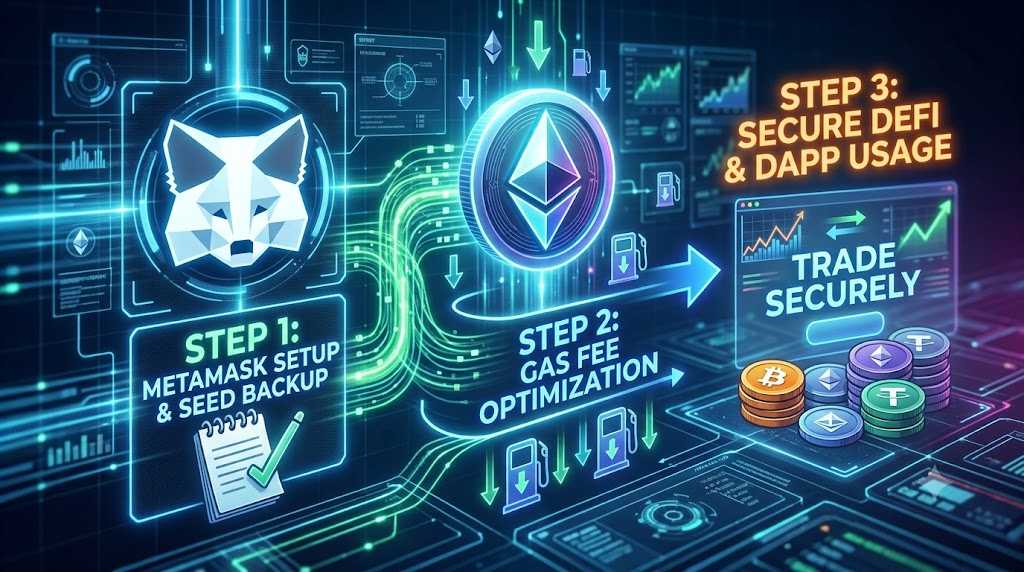
1. How to Install and Set Up MetaMask Safely
The single most important step when setting up a wallet is avoiding phishing sites. Following an official MetaMask setup guide gas fees procedure starts with double-checking that you are on the legitimate domain before downloading extensions or mobile apps, as recommended in the MetaMask Official Support Center.
- Step 1 (Install the extension): Go to MetaMask’s official website (
metamask.io) in Chrome or your preferred browser and install the browser extension. - Step 2 (Create a new wallet): Click “Create a new wallet” and set a strong login password that includes letters, numbers, and special characters.
- Step 3 (Back up your recovery phrase): Write down the 12-word Secret Recovery Phrase by hand on physical paper and store it in a secure location.
⚠️ Security Warning: Never take a screenshot of your seed phrase, store it in a plain text file, or save it on a cloud service. Anyone who accesses this 12-word phrase gains full control of your assets.
2. Centralized Exchange Wallets vs. MetaMask (Self-Custody)
| Category | Exchange Wallet (Upbit, Binance, etc.) | MetaMask (Self-Custody) |
|---|---|---|
| Asset Ownership | The exchange manages and holds your private keys | You fully own your private key and seed phrase |
| Main Use Case | Simple fiat buying/selling, withdrawing local currency | DeFi yield, DEX trading, NFT purchases, dApps |
| Security Responsibility | Relies on exchange custodial security systems | You are responsible for security (watching for scams) |
| Network Support | Limited to networks supported by exchange custody | Any EVM-compatible L1 or L2 network |
3. Practical Tips for Saving on Ethereum Gas Fees
Network fees (measured in Gwei) on Ethereum can accumulate rapidly when swapping tokens on Uniswap or participating in DeFi protocols. Implementing these 3 strategy tips from our MetaMask setup guide gas fees analysis will help keep network expenditures low:
- Time your transactions for off-peak periods: Gas prices fluctuate with global network demand. Transaction costs tend to be significantly lower during quieter hours, such as weekends or early morning hours (8:00 AM – 11:00 AM KST).
- Utilize Layer 2 Networks: Instead of executing every transaction directly on Ethereum Mainnet, bridge assets to Layer 2 scaling solutions like Arbitrum, Optimism, or Base. Transactions on Layer 2s process in seconds at up to a 90%+ fee reduction.
- Manually adjust gas settings in MetaMask: Before approving a transaction, click the gas setting indicator (represented by a market/gear icon). For non-urgent executions, selecting “Low” or setting custom priority fees reduces the overall total fee paid.
4. Frequently Asked Questions (FAQ)
Q1: What happens if I lose my 12-word Secret Recovery Phrase?
If you lose your seed phrase and forget your account password, no one (including MetaMask support) can recover your wallet or restore access to your funds. Always keep offline paper backups stored safely.
Q2: How do Layer 2 networks reduce Ethereum transaction costs?
Layer 2 solutions bundle hundreds of off-chain transactions into a single proof submitted to Ethereum Mainnet. This batches the gas expense across thousands of users, resulting in negligible per-transaction fees.
Q3: Is MetaMask safe to use for long-term crypto storage?
MetaMask is safe as long as your seed phrase remains private and you avoid malicious smart contract approvals. For extra security with larger capital, connect a hardware wallet (such as Ledger or Trezor) to your MetaMask extension.
💡 Summary & Final Security Checklist
Applying this MetaMask setup guide gas fees walkthrough ensures a smooth Web3 onboarding experience while minimizing unnecessary gas expenses.
- Never disclose your seed phrase: No legitimate admin, customer support team, or dApp will ever ask you to enter or verify your 12-word seed phrase.
- Perform small test transfers: When transferring funds to a newly created MetaMask address for the first time, send a small test amount to verify the network and address before transferring the main balance.